Raw data
The numbers behind every plot, as a table. Use it to check what was actually loaded, and to export the data — optionally converted to another distribution basis.
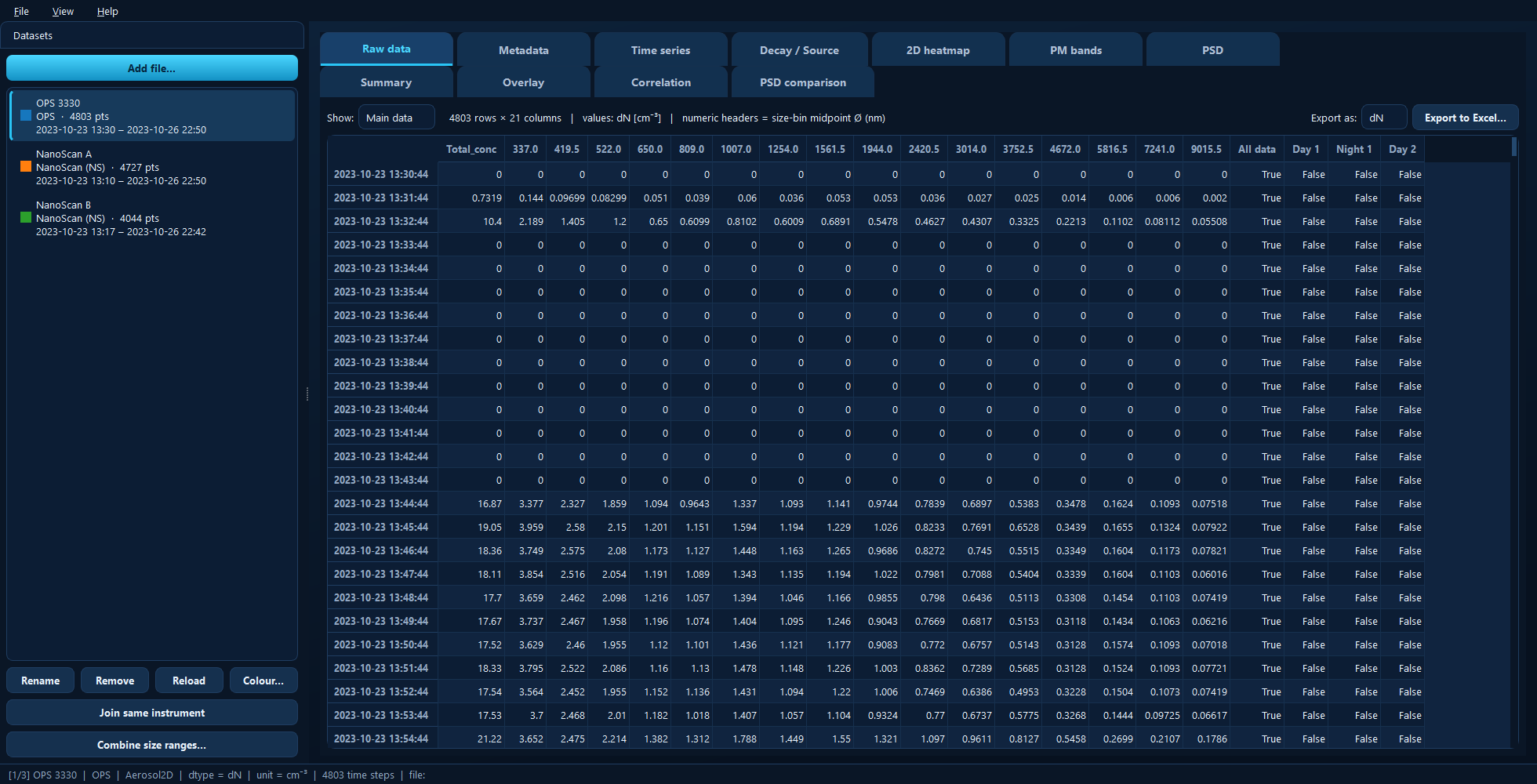
The active dataset as a table. Numeric column headers are size-bin midpoint diameters in nm.
Available for: every dataset.
Reading the table
Each row is one measurement timestamp. For a size-resolved instrument, the
numeric column headers are the size-bin midpoint diameters in nanometres —
hover a header to see the diameter spelled out with the current unit. The line
under the table tells you the table’s shape and what the values are, for example
4803 rows × 16 columns | values: dN [cm⁻³] | numeric headers = size-bin midpoint Ø (nm).
Show
Switches between the two tables a file can contain:
Main data — the measurement itself: concentrations, or the per-size-bin distribution.
Extra data — auxiliary channels the instrument logged alongside it, when the loader provides them: flows, temperatures, pressures, error flags, and so on. Instruments that log nothing extra show (no extra data in this file).
Export as
The distribution basis used for the export only:
Basis |
Quantity |
|---|---|
|
Number concentration |
|
Mass concentration |
|
Surface-area concentration |
|
Volume concentration |
The dataset itself always stays as loaded (number, dN); conversion happens on a
copy on the way out. Mass, surface and volume all depend on the particle density
set on the Metadata tab, so check that first if you are exporting
dM.
Export to Excel…
Writes the displayed table, timestamps included, to .xlsx or .csv. The
suggested file name is built from the source file and what you are exporting.
Under the hood
The table is the object’s data (or extra_data) DataFrame, and the export
applies dtype_converter to a copy. In a script:
import aerosoltools as at

data = at.load_ops_file("measurement.csv")
data.data.to_excel("measurement_dN.xlsx")   # what this tab exports
See 1 — Loading data for what a loaded object contains, and 6 — Dtypes, density and corrections for basis conversion.